Start with your application
The right photo. For the right journey.
Photo guidance for 195 countries. Choose the country, document and application channel first.
Adjust the crop on your device. Wayform processes a copy temporarily only after your consent.
Start with your application
Where is your photo going?
Passport: choose the issuing country. Visa: choose your destination. Rules depend on the application channel and age. Read the official photo rules
🇸🇬 Singapore · Visa photo
Crop and download available$4.99 USD per photo format · 30 days of edits and downloads
For ICA visa e-Service uploads: colour JPEG, 400 × 514 pixels, no more than 60 kB. Take it within three months against a white background, with the full face visible. Follow the official head-covering and composition rules. This visa limit is much smaller than the ICA passport limit.
400 × 514 px JPEG · up to 60 kB. For this digital route only.
Read the official photo rules · Singapore visa · ICA online application
Supported photos
Phone or camera photos are welcome. Choose a clear, recent portrait of one person, facing the camera with the whole head visible.
One still image, up to 10 MB and 24 megapixels, with each side up to 12,000 pixels. GIF, TIFF, PDF, animations and multi-image files are not supported.
Use a sharp, unedited portrait with the required real background. With your consent, we send a JPEG copy of up to 8 megapixels for processing. Your original stays unchanged.
Fictional sample
Try cropping & sizing
Explore the tool with a watermarked sample. Do not use it in an application.

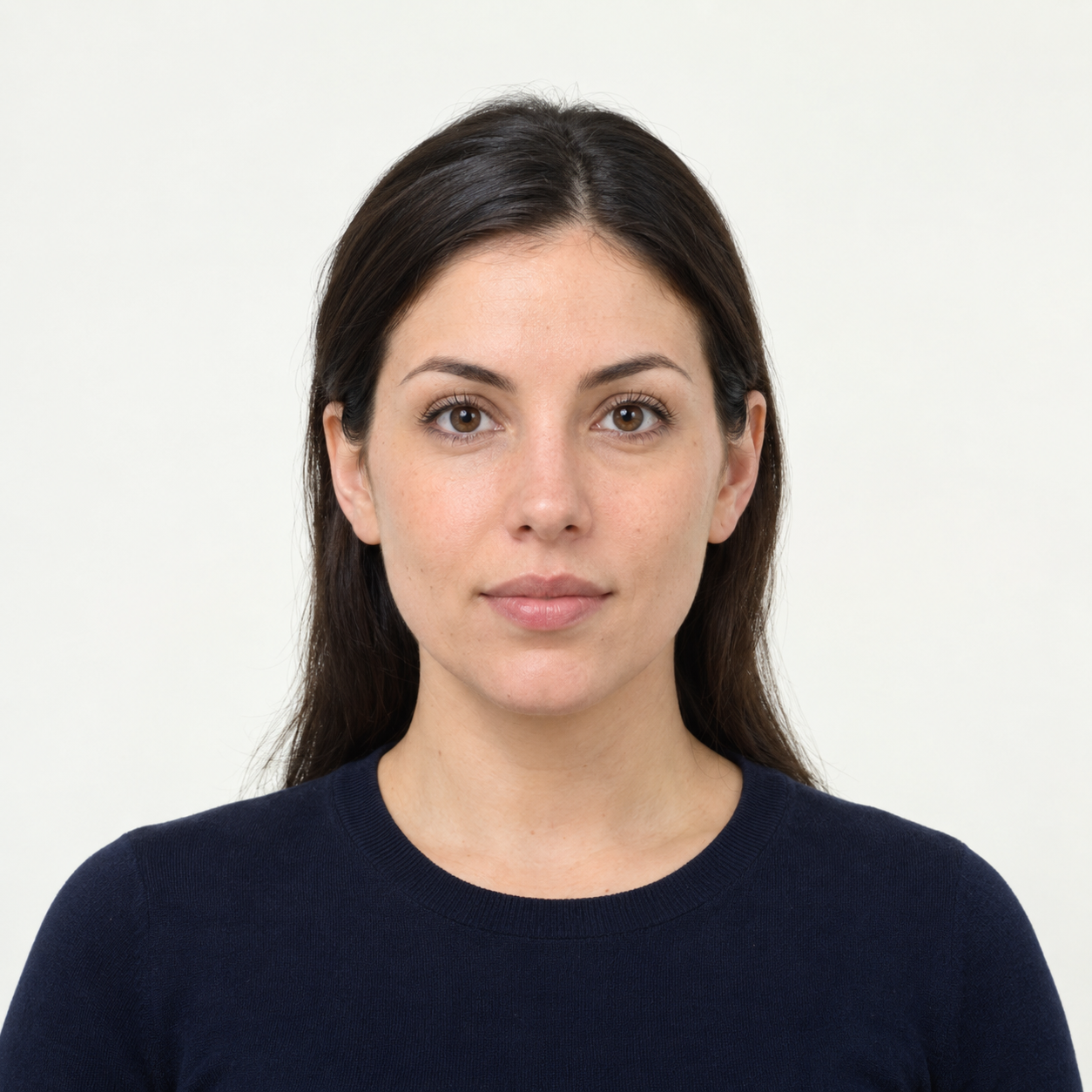 Illustrative preview
AI-generated illustration, not an upload result or an approved application photo. Background cleanup is experimental and does not confirm passport or visa acceptance. US passport photos must keep their original background. Official requirements