Start with your application
The right photo. For the right journey.
Photo guidance for 195 countries. Choose the country, document and application channel first.
Adjust the crop on your device. Wayform processes a copy temporarily only after your consent.
Start with your application
Where is your photo going?
Passport: choose the issuing country. Visa: choose your destination. Rules depend on the application channel and age. Read the official photo rules
🇵🇰 Pakistan · Visa photo
Confirm the photo requirementsNADRA’s linked 2025 photo-capture guide says there is no photo-upload option: take the portrait directly in the required capture flow, facing the camera against a plain background, with no glasses, shadows or facial obstructions. Older web-upload instructions describe file uploads, so follow your actual application channel. A complete separate upload preset is not verified here. Passport-office capture is a different process.
Confirm the photo requirements
A download is unavailable for this route. Follow the official process and the application-specific notes below.
Read the official photo rulesFictional sample
Try cropping & sizing
Explore the tool with a watermarked sample. Do not use it in an application.

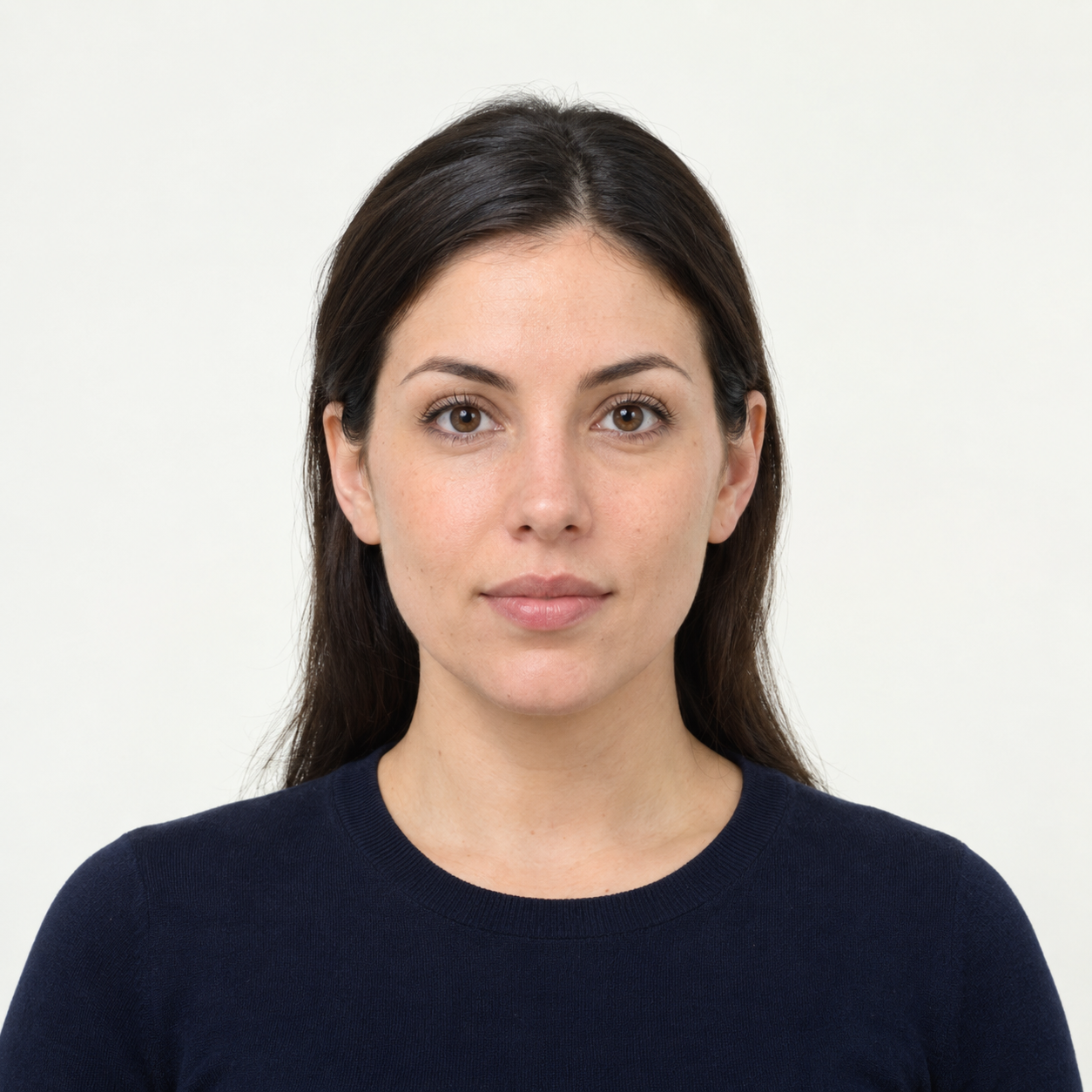 Illustrative preview
AI-generated illustration, not an upload result or an approved application photo. Background cleanup is experimental and does not confirm passport or visa acceptance. US passport photos must keep their original background. Official requirements