Start with your application
The right photo. For the right journey.
Photo guidance for 195 countries. Choose the country, document and application channel first.
Adjust the crop on your device. Wayform processes a copy temporarily only after your consent.
Start with your application
Where is your photo going?
Passport: choose the issuing country. Visa: choose your destination. Rules depend on the application channel and age. Read the official photo rules
🇰🇳 St. Kitts & Nevis · Visa photo
Confirm the photo requirementsThe current e-Border service requests a passport scan and selfie for the applicable travel-authorisation or ED Form route. Complete that step in the official app or website. This is separate from a visa application, whose exact portrait upload limits remain unverified here. No passport print or generic photo conversion is enabled for these digital routes.
Confirm the photo requirements
A download is unavailable for this route. Follow the official process and the application-specific notes below.
Read the official photo rulesFictional sample
Try cropping & sizing
Explore the tool with a watermarked sample. Do not use it in an application.

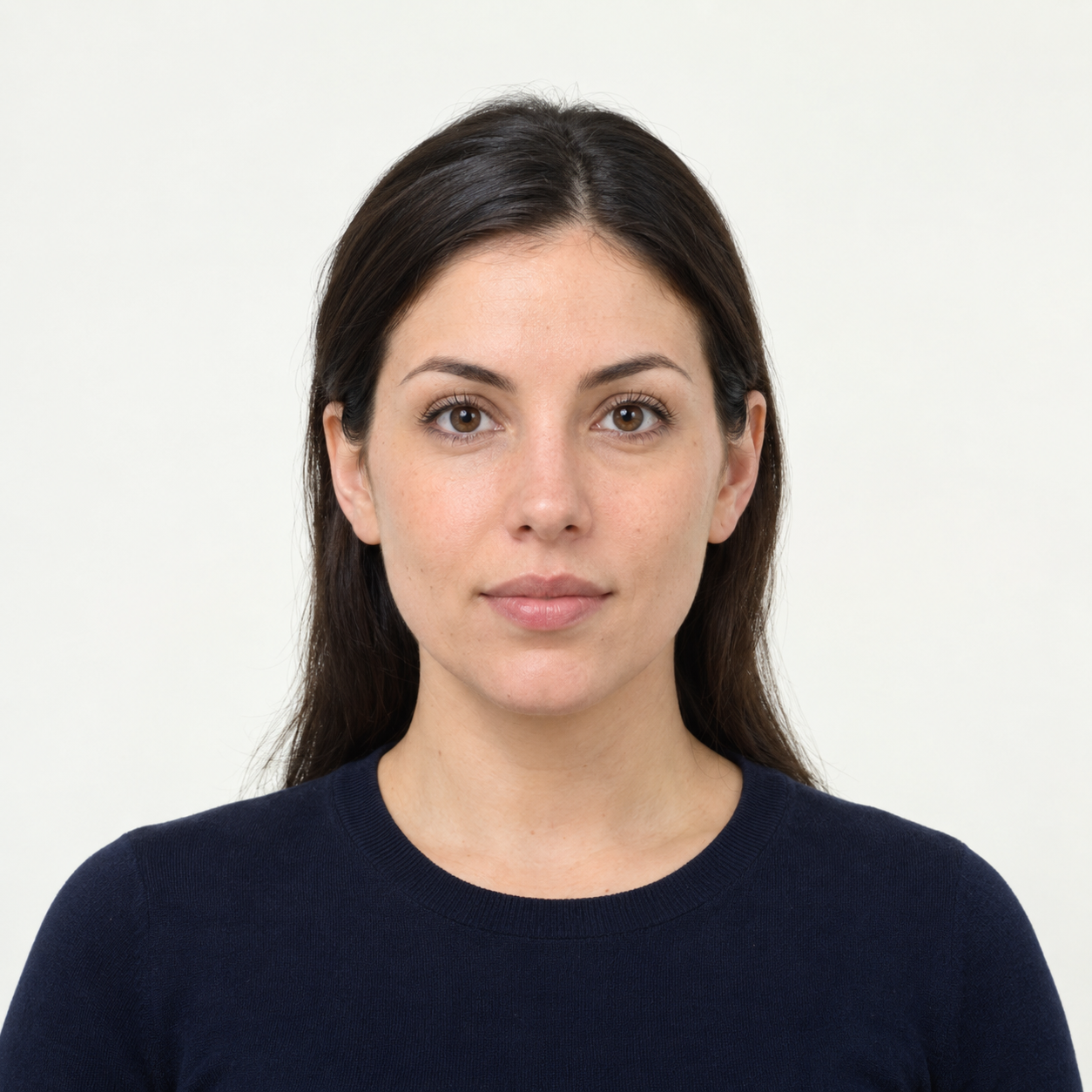 Illustrative preview
AI-generated illustration, not an upload result or an approved application photo. Background cleanup is experimental and does not confirm passport or visa acceptance. US passport photos must keep their original background. Official requirements