Start with your application
The right photo. For the right journey.
Photo guidance for 195 countries. Choose the country, document and application channel first.
Adjust the crop on your device. Wayform processes a copy temporarily only after your consent.
Start with your application
Where is your photo going?
Passport: choose the issuing country. Visa: choose your destination. Rules depend on the application channel and age. Read the official photo rules
🇨🇻 Cape Verde · Passport photo
Keep the original photoFor the Cape Verde consular online-passport route, keep an unaltered original JPEG taken within six months: 250 kB–10 MB, width 900–4500 pixels and height 1200–6000 pixels. The guide requests a portrait smartphone photo in 4:3 or 3:4 proportions, with a plain light background, visible eyes, a neutral expression and space around the head and shoulders. No scanned prints or selfies. Wayform checks the file without changing it. Use the official route for your eligibility, identity video call and any required attendance; the GOV.CV mobile route captures the photo and signature in its app.
Keep the original photo
A download is unavailable for this route. Follow the official process and the application-specific notes below.
Read the official photo rulesCheck your original file
Dimensions and file size are checked on your device. Nothing is changed or uploaded.
Fictional sample
Try cropping & sizing
Explore the tool with a watermarked sample. Do not use it in an application.
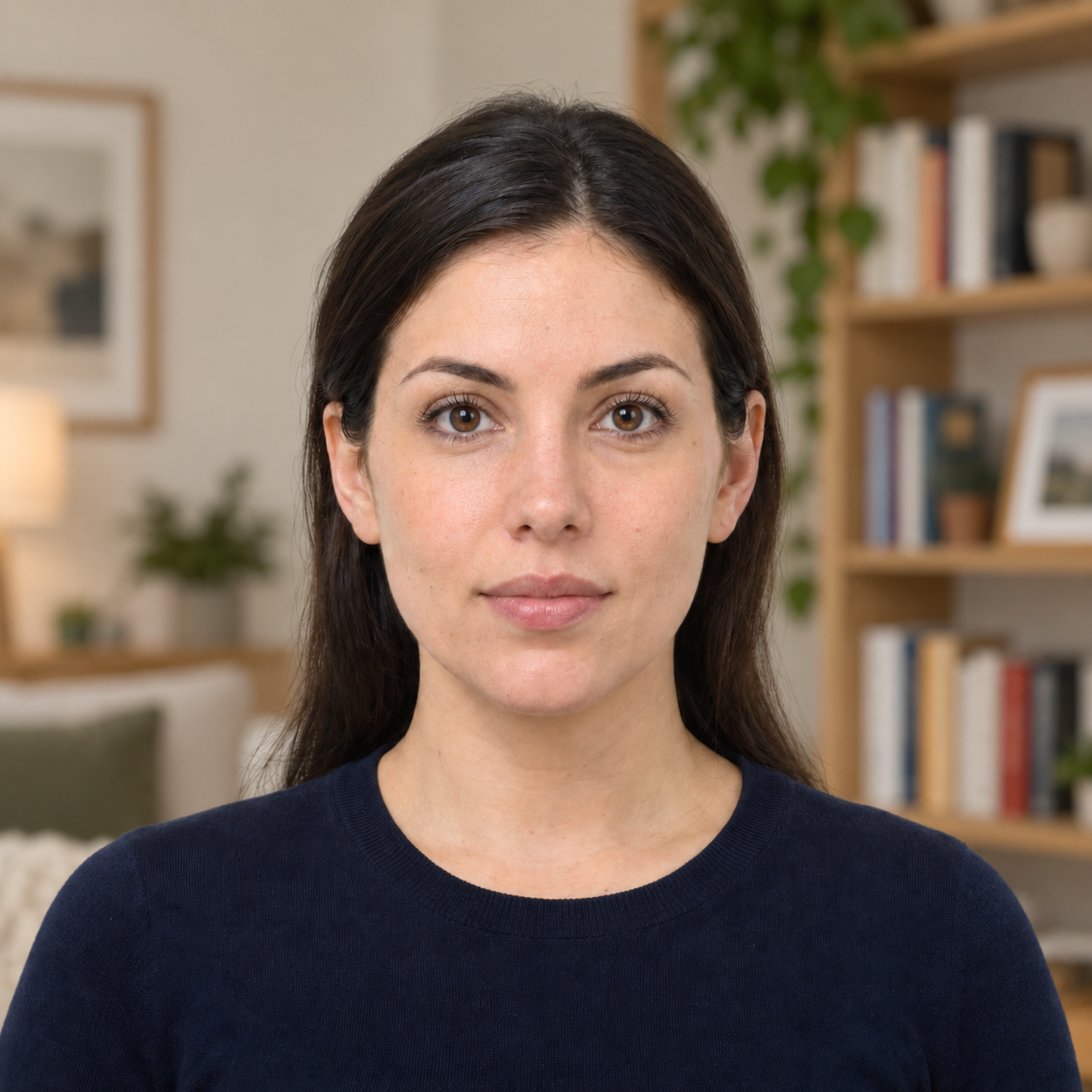
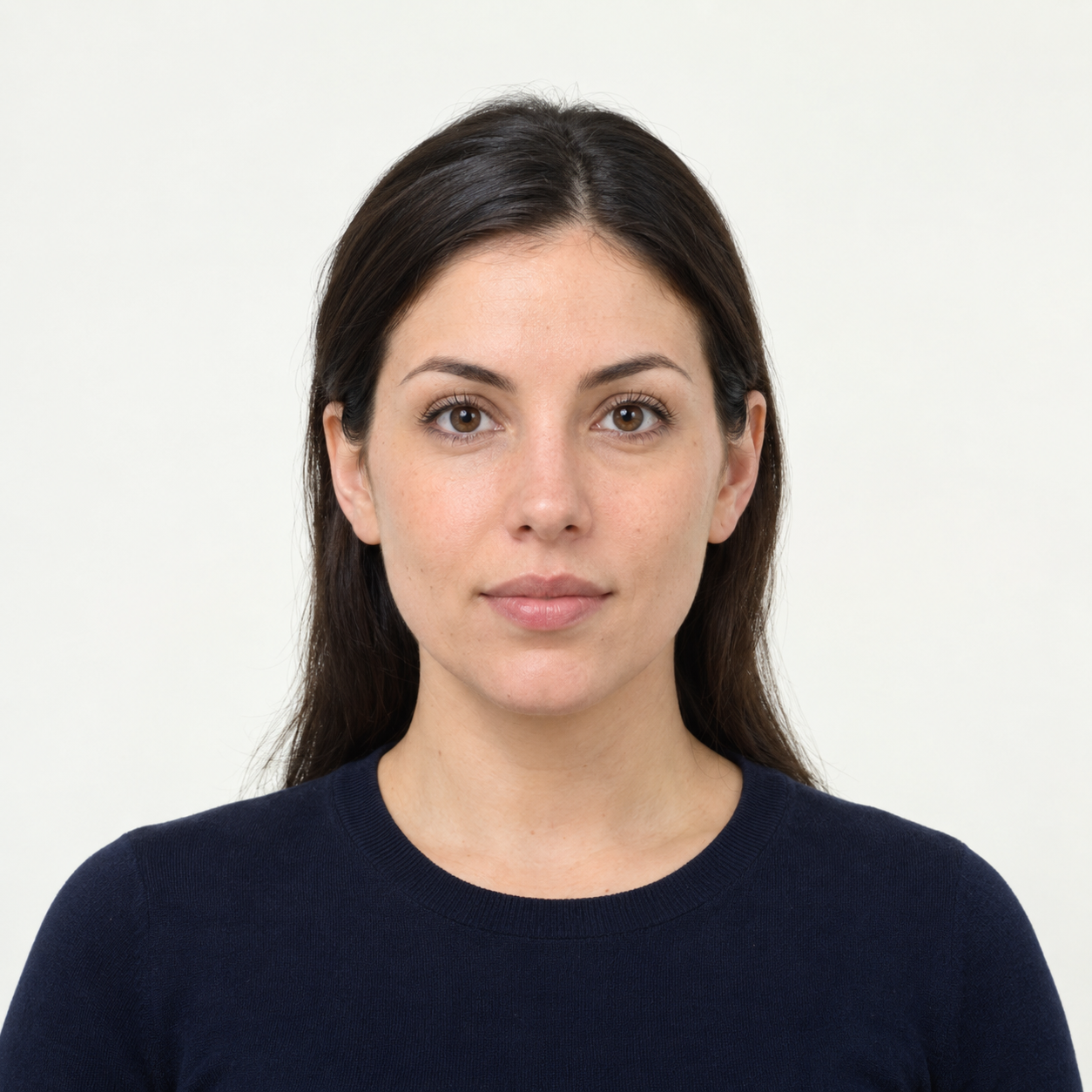 Illustrative preview
AI-generated illustration, not an upload result or an approved application photo. Background cleanup is experimental and does not confirm passport or visa acceptance. US passport photos must keep their original background. Official requirements